how-to-run-astro-ssr-and-pocketbase-on-the-same-server
Compare original and translation side by side
🇺🇸
Original
English🇨🇳
Translation
ChineseHow to Run Astro SSR and PocketBase on the Same Server
如何在同一服务器上运行Astro SSR和PocketBase
In this article I will show you how to host PocketBase and Astro in SSR mode on the same server. PocketBase does let you render templates on the server but requires Go Templates or pre-building with Static Site Generation (SSG).
在本文中,我将展示如何在同一台服务器上托管PocketBase和SSR模式下的Astro。PocketBase允许你在服务器上渲染模板,但需要使用Go Templates或通过静态站点生成(SSG)预构建。
Getting started
开始搭建
In a terminal run the following to create the base project:
mkdir pocketbase_astro_ssr
cd pocketbase_astro_ssr
mkdir server
mkdir www
This will create the and folders in our project needed for both Astro and PocketBase.
serverwww在终端中运行以下命令创建基础项目:
mkdir pocketbase_astro_ssr
cd pocketbase_astro_ssr
mkdir server
mkdir www这将在项目中创建和文件夹,分别用于Astro和PocketBase。
serverwwwSetting up the server
配置服务器
Create a file at and update it with the following:
server/main.gopackage main
import (
"log"
"net/http/httputil"
"net/url"
"github.com/labstack/echo/v5"
"github.com/pocketbase/pocketbase"
"github.com/pocketbase/pocketbase/core"
)
func main() {
app := pocketbase.New()
app.OnBeforeServe().Add(func(e *core.ServeEvent) error {
proxy := httputil.NewSingleHostReverseProxy(&url.URL{
Scheme: "http",
Host: "localhost:4321",
})
e.Router.Any("/*", echo.WrapHandler(proxy))
e.Router.Any("/", echo.WrapHandler(proxy))
return nil
})
if err := app.Start(); err != nil {
log.Fatal(err)
}
}Here we are extending PocketBase with Go and taking advantage of the Echo router integration and using a reverse proxy to handle all requests not defined by PocketBase already and delegating them to Astro.
Next run the following in a terminal to install the dependencies:
go mod init server
go mod tidy
Now we can start the server and move on to the client:
go run main.go serveYou should see the following and note that this will run in debug mode so all the SQL statements will start to show:
2023/11/09 10:28:52 Server started at http://127.0.0.1:8090
├─ REST API: http://127.0.0.1:8090/api/
└─ Admin UI: http://127.0.0.1:8090/_/在路径下创建文件,并更新内容如下:
server/main.gopackage main
import (
"log"
"net/http/httputil"
"net/url"
"github.com/labstack/echo/v5"
"github.com/pocketbase/pocketbase"
"github.com/pocketbase/pocketbase/core"
)
func main() {
app := pocketbase.New()
app.OnBeforeServe().Add(func(e *core.ServeEvent) error {
proxy := httputil.NewSingleHostReverseProxy(&url.URL{
Scheme: "http",
Host: "localhost:4321",
})
e.Router.Any("/*", echo.WrapHandler(proxy))
e.Router.Any("/", echo.WrapHandler(proxy))
return nil
})
if err := app.Start(); err != nil {
log.Fatal(err)
}
}接下来在终端中运行以下命令安装依赖:
go mod init server
go mod tidy
现在我们可以启动服务器,然后继续配置客户端:
go run main.go serve你会看到以下输出,注意此时服务器处于调试模式,所有SQL语句都会显示出来:
2023/11/09 10:28:52 Server started at http://127.0.0.1:8090
├─ REST API: http://127.0.0.1:8090/api/
└─ Admin UI: http://127.0.0.1:8090/_/
Collections
集合配置
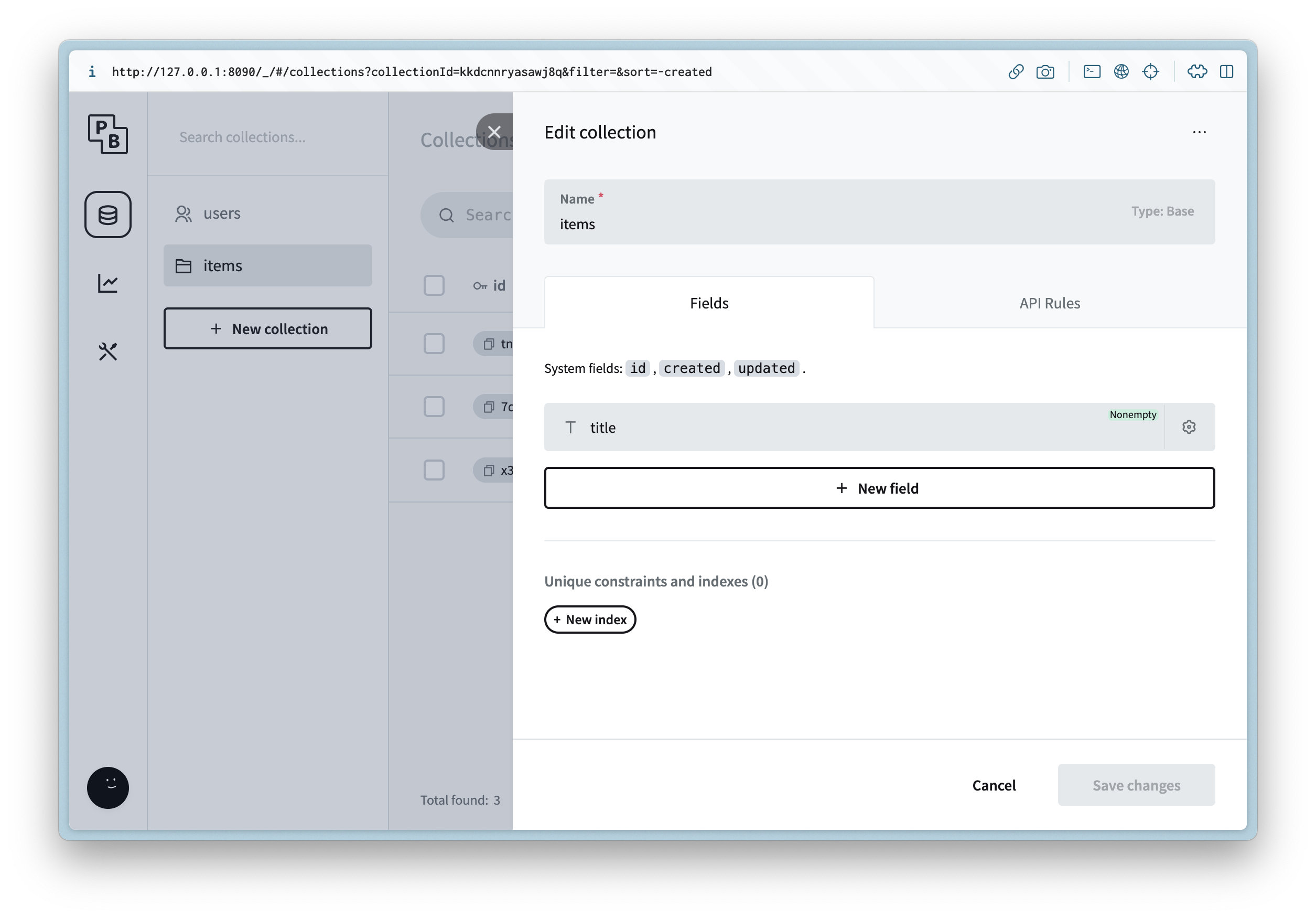
Open up the Admin UI url and after creating a new admin user, create a new collection and add the following metadata:
itemsColumn Name
Column Type
Column Settings
title
Plain Text
Then update the API Rules to allow read access for list and view.
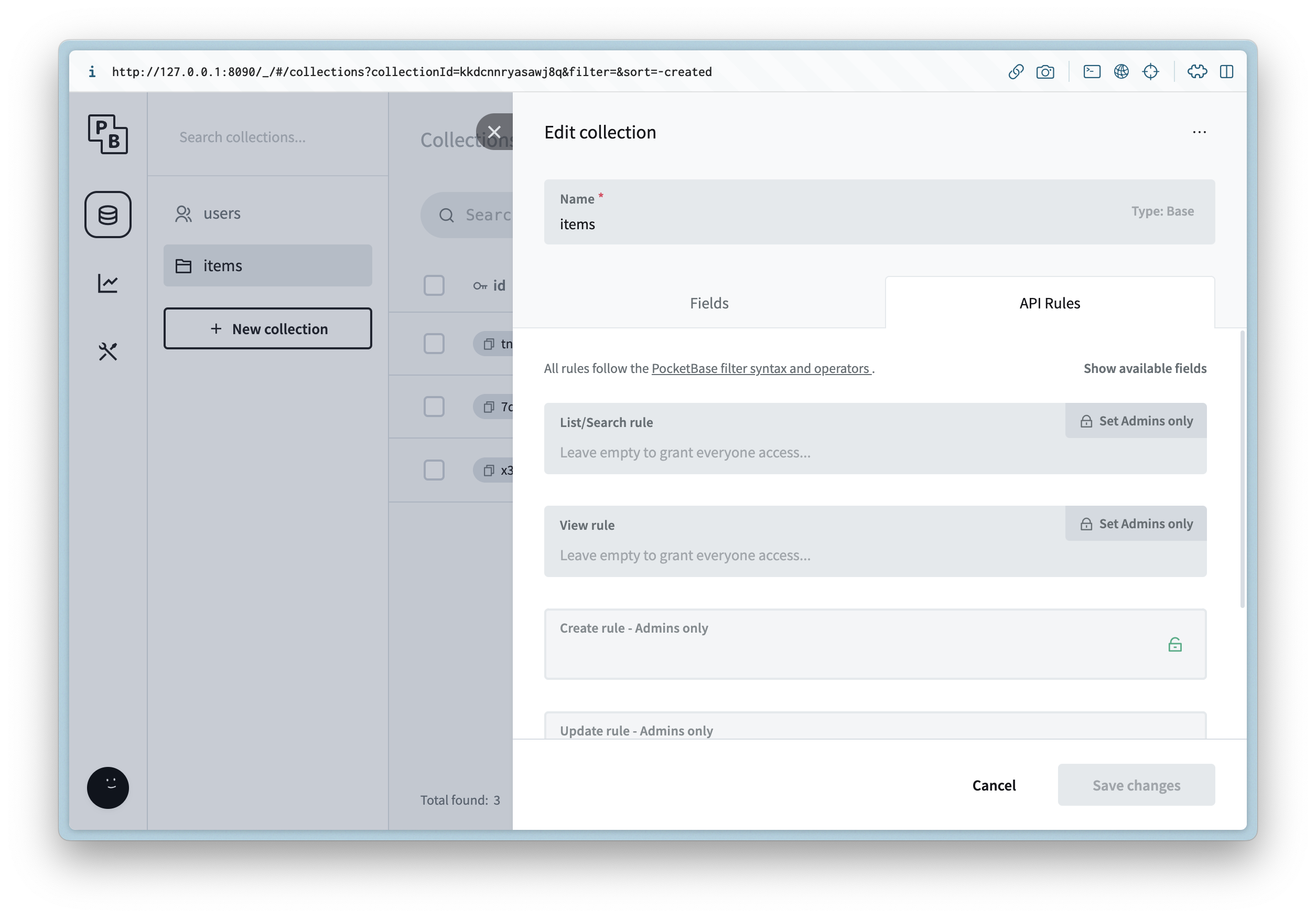
This is just for example purposes and on a production app you will rely on auth for ACLs
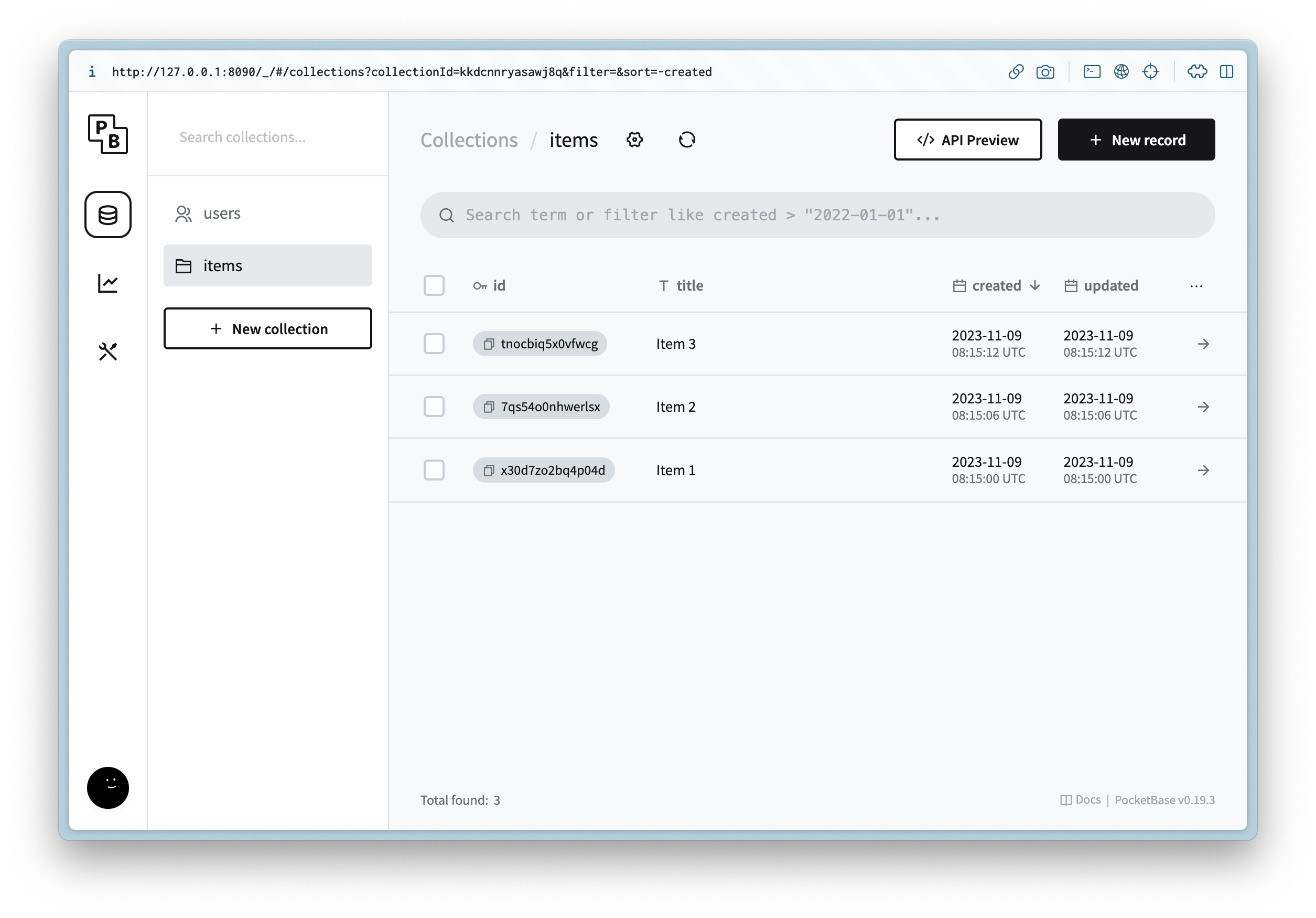
Create 3 new records with placeholder data.
打开Admin UI地址,创建新的管理员用户后,创建一个名为的新集合,并添加以下元数据:
items列名
列类型
列设置
title
纯文本
然后更新API规则,允许列表和视图的读取权限。
这仅作为示例,生产环境中你需要依赖身份验证来实现访问控制列表(ACL)
创建3条包含占位符数据的新记录。
Creating the client
创建客户端
Now we can create the client that will be used to connect to PocketBase and serve all of the web traffic.
Navigate to the directory and run the following in a terminal:
wwwnpm create astro@latestFollow the prompts and enter the following:
Question
Answer
Where should we create your new project?
.
How would you like to start your new project?
Empty
Install dependencies?
Yes
Do you plan to write TypeScript?
Yes
How strict should TypeScript be?
Strict
Initialize a new git repository?
No
You can of course customize this as you need, but next we can install the dependencies needed by running the following in a terminal:
npm i -D @astrojs/node
npm i pocketbase
Next update and update it with the following:
www/astro.config.mjsimport { defineConfig } from "astro/config";
import nodejs from "@astrojs/node";
// https://astro.build/config
export default defineConfig({
adapter: nodejs({
mode: "standalone",
}),
output: "server",
});This will use Server Side Rendering (SSR) instead of Static Site Generation (SSG) when we run the web server.
现在我们可以创建用于连接PocketBase并处理所有Web流量的客户端。
导航到目录,在终端中运行以下命令:
wwwnpm create astro@latest按照提示操作,输入以下内容:
问题
答案
我们应该在哪里创建你的新项目?
.
你希望如何启动新项目?
空项目
安装依赖吗?
是
你计划编写TypeScript吗?
是
TypeScript的严格程度如何设置?
严格
初始化新的git仓库吗?
否
你当然可以根据需要自定义设置,接下来在终端中运行以下命令安装所需依赖:
npm i -D @astrojs/node
npm i pocketbase接下来更新文件,内容如下:
www/astro.config.mjsimport { defineConfig } from "astro/config";
import nodejs from "@astrojs/node";
// https://astro.build/config
export default defineConfig({
adapter: nodejs({
mode: "standalone",
}),
output: "server",
});这将让我们运行Web服务器时使用服务器端渲染(SSR)而非静态站点生成(SSG)。
UI
UI配置
Layouts
布局文件
We can start by creating a shared layout for all the routes. Create a file at and update it with the following:
www/src/layouts/Root.astro---
interface Props {
title: string;
}
const { title } = Astro.props;
---
<html lang="en">
<head>
<meta charset="utf-8" />
<link rel="icon" type="image/svg+xml" href="/favicon.svg" />
<meta name="viewport" content="width=device-width" />
<meta name="generator" content={Astro.generator} />
<title>{title}</title>
</head>
<body>
<slot />
</body>
</html>我们可以先为所有路由创建一个共享布局。在路径下创建文件,并更新内容如下:
www/src/layouts/Root.astro---
interface Props {
title: string;
}
const { title } = Astro.props;
---
<html lang="en">
<head>
<meta charset="utf-8" />
<link rel="icon" type="image/svg+xml" href="/favicon.svg" />
<meta name="viewport" content="width=device-width" />
<meta name="generator" content={Astro.generator} />
<title>{title}</title>
</head>
<body>
<slot />
</body>
</html>Routes
路由配置
Now we can update the index route by updating the following file :
/www/src/pages/index.astro---
import Root from "../layouts/Root.astro";
import PocketBase from "pocketbase";
const pb = new PocketBase("http://127.0.0.1:8090");
const items = pb.collection("items");
const records = await items.getFullList();
---
<Root title="Items">
<h1>Items</h1>
<ul>
{
records.map((record) => (
<li>
<a href={`/items/${record.id}`}>{record.title}</a>
</li>
))
}
</ul>
</Root>This will call the collection on the server and render it with 0 JS on the client.
itemsNext create a file and update it with the following:
www/src/pages/[...slug].astro---
import Root from "../layouts/Root.astro";
import PocketBase from "pocketbase";
const slug = Astro.params.slug!;
const id = slug.split("/").pop()!;
const pb = new PocketBase("http://127.0.0.1:8090");
const items = pb.collection("items");
const records = await items.getList(1, 1, {
filter: `id = '${id}'`,
});
if (records.items.length === 0) {
return new Response("Not found", { status: 404 });
}
const {title} = records.items[0];
---
<Root {title}>
<a href="/">Back</a>
<h1>{title}</h1>
</Root>This is almost like before but now we can return a proper response if not found for an item.
404现在我们可以通过更新文件来配置首页路由:
www/src/pages/index.astro/---
import Root from "../layouts/Root.astro";
import PocketBase from "pocketbase";
const pb = new PocketBase("http://127.0.0.1:8090");
const items = pb.collection("items");
const records = await items.getFullList();
---
<Root title="Items">
<h1>Items</h1>
<ul>
{
records.map((record) => (
<li>
<a href={`/items/${record.id}`}>{record.title}</a>
</li>
))
}
</ul>
</Root>这将在服务器端调用集合,并在客户端无需JS的情况下渲染内容。
items接下来创建文件,内容如下:
www/src/pages/[...slug].astro---
import Root from "../layouts/Root.astro";
import PocketBase from "pocketbase";
const slug = Astro.params.slug!;
const id = slug.split("/").pop()!;
const pb = new PocketBase("http://127.0.0.1:8090");
const items = pb.collection("items");
const records = await items.getList(1, 1, {
filter: `id = '${id}'`,
});
if (records.items.length === 0) {
return new Response("Not found", { status: 404 });
}
const {title} = records.items[0];
---
<Root {title}>
<a href="/">Back</a>
<h1>{title}</h1>
</Root>这和之前的逻辑类似,但现在如果未找到对应条目,我们可以返回正确的响应。
404Running
运行客户端
Now we can run the web server with the following command:
npm run devYou should see the following:
> dev
> astro dev

  🚀  astro  v3.4.4 started in 67ms

  ┃ Local    http://localhost:4321/
  ┃ Network  use --host to expose
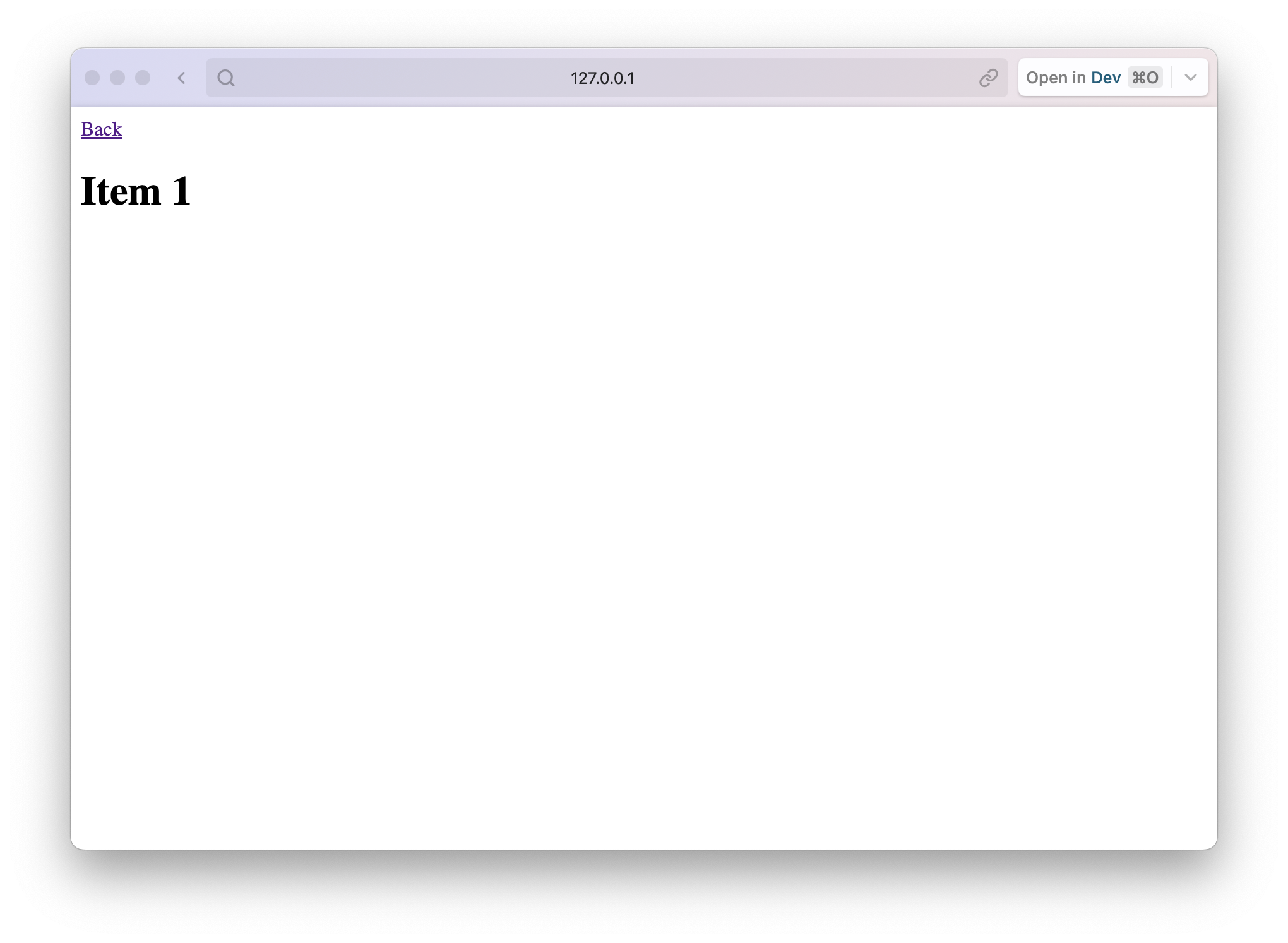
Then if we open up the PocketBase url and you should see the following for the index route and detail routes:
http://127.0.0.1:8090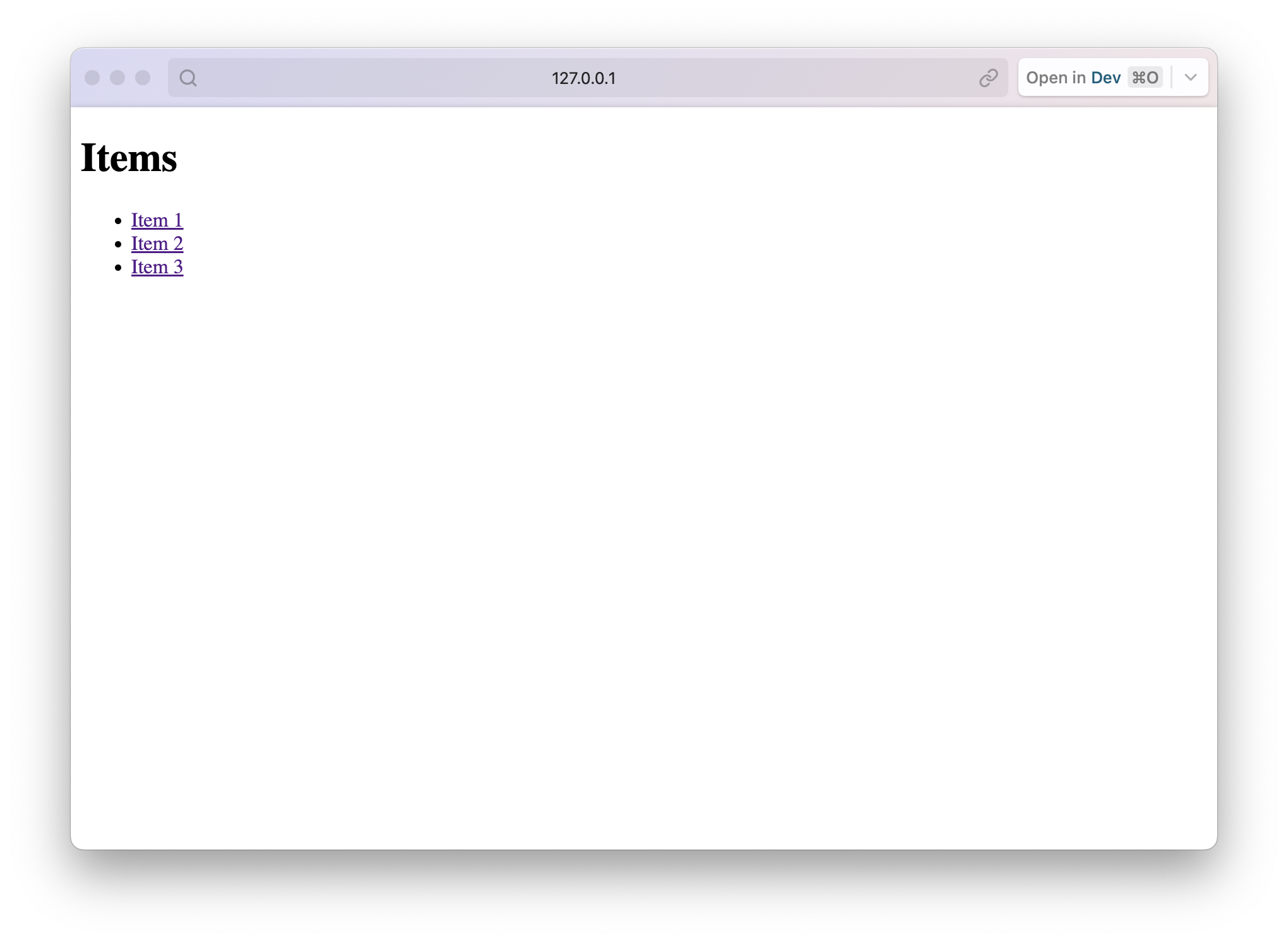
现在我们可以通过以下命令启动Web服务器:
npm run dev你会看到以下输出:
> dev
> astro dev

  🚀  astro  v3.4.4 started in 67ms

  ┃ Local    http://localhost:4321/
┃ Network use --host to expose然后打开PocketBase地址,你将看到首页路由和详情路由的如下内容:
http://127.0.0.1:8090