Loading...
iblai-build
Original:🇺🇸 English
Translated
Build and run your ibl.ai app on desktop and mobile (iOS, Android, macOS, Surface)
8installs
Sourceiblai/vibe
Added on
NPX Install
npx skill4agent add iblai/vibe iblai-buildTags
Translated version includes tags in frontmatterSKILL.md Content
View Translation Comparison →/iblai-build
Build and run your ibl.ai app on desktop and mobile using Tauri v2. Covers
iOS, Android, macOS/Linux desktop, and Surface tablet builds.
Before adding build support or running a dev build, stop all running dev
servers (, , etc.) to avoid port conflicts. Kill any
process on port 3000 before proceeding.
pnpm devnext devWhen the user asks to add iOS or Android build support, automatically start
the emulator/simulator after initialization -- just like you would start
after adding auth. Run to find the
available device name, then start the dev build with that device.
pnpm deviblai builds deviceDo NOT guess device names. Always run first and use
a device name from the output.
iblai builds devicePrerequisites (All Platforms)
- Tauri support added to your project:
bash
iblai add builds pnpm install - Rust toolchain installed via rustup
How Dev Builds Work
All platforms (desktop and mobile) use a static export. The CLI
runs the frontend build automatically before starting the Tauri dev server --
there is no separate or . The Tauri WebView loads
the static files from on all platforms.
next builddevUrlbeforeDevCommand../outMobile Safe Area
The generated CSS includes on and
the layout sets . This prevents content from overlapping
with the iOS status bar / notch and Android status bar. If you see content
behind the status bar, verify:
padding: env(safe-area-inset-*)<body>viewport-fit=cover- (or
globals.css) hasiblai-styles.csson bodypadding-top: env(safe-area-inset-top) - metadata includes
app/layout.tsxviewport: "width=device-width, initial-scale=1, viewport-fit=cover"
App Icons
Generate platform-ready icons from your logo (works for all platforms):
bash
iblai builds iconography path/to/logo.pngThis creates all required sizes in .
src-tauri/icons/List Available Devices
bash
iblai builds deviceiOS
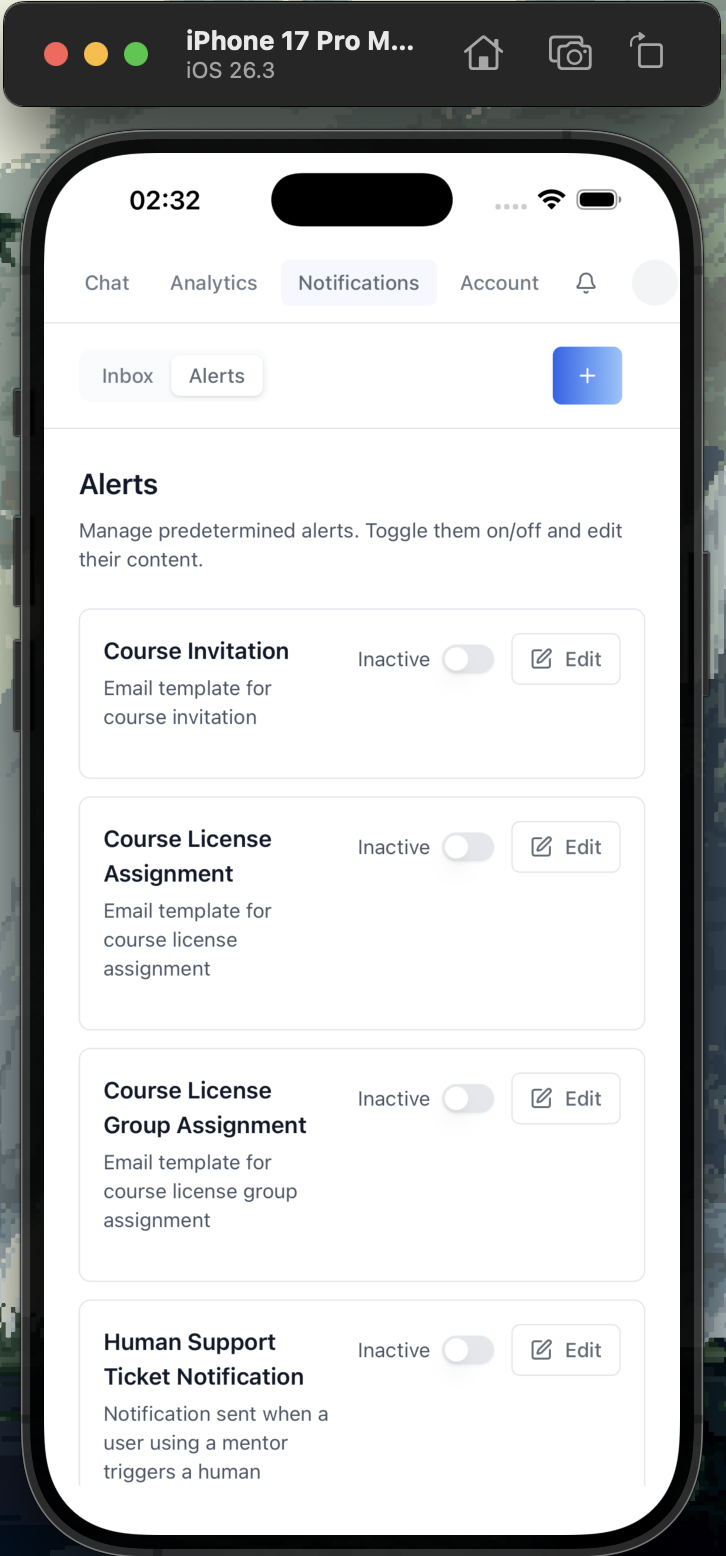
Build and run on iOS Simulator and real devices.
iOS Prerequisites
- macOS (iOS builds require Xcode)
- Xcode installed from the Mac App Store (includes iOS SDK + Simulator)
- Xcode Command Line Tools:
xcode-select --install - Rust iOS targets:
bash
rustup target add aarch64-apple-ios aarch64-apple-ios-sim
Initialize iOS Project
Run this once after adding Tauri support:
bash
iblai builds ios initThis generates with the Xcode project, Swift bridge
code, and iOS configuration.
src-tauri/gen/apple/If you get a Rust target error, make sure both targets are installed:rustup target add aarch64-apple-ios aarch64-apple-ios-sim
Run on iOS Simulator
First, find available simulators:
bash
iblai builds deviceThen start the dev build with a device from the output:
bash
iblai builds ios dev --device "<device name from iblai builds device>"Or without specifying a device (uses the default simulator):
bash
iblai builds ios devThis starts the Next.js dev server, compiles Rust for ,
and launches the app in the iOS Simulator. The first build takes
several minutes; subsequent builds are fast.
aarch64-apple-ios-simTroubleshooting Simulator
- "No available iOS simulators": Open Xcode > Settings > Platforms > download an iOS runtime
- Build fails with "linking" errors: Verify Xcode path with . If incorrect, the user should run
xcode-select -pthemselves (requires elevated privileges -- confirm with the user before suggesting this)sudo xcode-select -s /Applications/Xcode.app/Contents/Developer - Simulator won't launch: Try then retry
xcrun simctl shutdown all
Run on Physical iOS Device
Connect your iPhone via USB, then:
bash
iblai builds ios dev --deviceRequirements for Physical Devices
- Apple Developer account (free or paid)
- Device registered in your Apple Developer portal
- Development provisioning profile configured in Xcode
To set up signing:
- Open in Xcode
src-tauri/gen/apple/<app>.xcodeproj - Select the target > Signing & Capabilities
- Set your Team and Bundle Identifier
- Xcode auto-manages provisioning profiles
Free developer accounts can run on up to 3 devices for 7 days. A paid Apple Developer Program ($99/year) removes this restriction.
Build Release .ipa
Local Build
bash
iblai builds ios buildOr:
bash
pnpm tauri:build:iosThe .ipa file is generated at (or use
to locate it).
src-tauri/gen/apple/build/find src-tauri/gen/apple -name "*.ipa"App Store Build (CI)
Generate the GitHub Actions workflow:
bash
iblai builds ci-workflow --iosThis creates which sets up the
full pipeline and uploads the .ipa as a build artifact.
.github/workflows/tauri-build-ios.ymlRequired GitHub Secrets for iOS CI
| Secret | Description |
|---|---|
| Base64-encoded App Store Connect API key (.p8 file) |
| Key ID from App Store Connect > Users and Access > Keys |
| Issuer ID from App Store Connect > Users and Access > Keys |
To encode your .p8 key:
bash
base64 -i AuthKey_XXXXXXXXXX.p8 | pbcopyAndroid
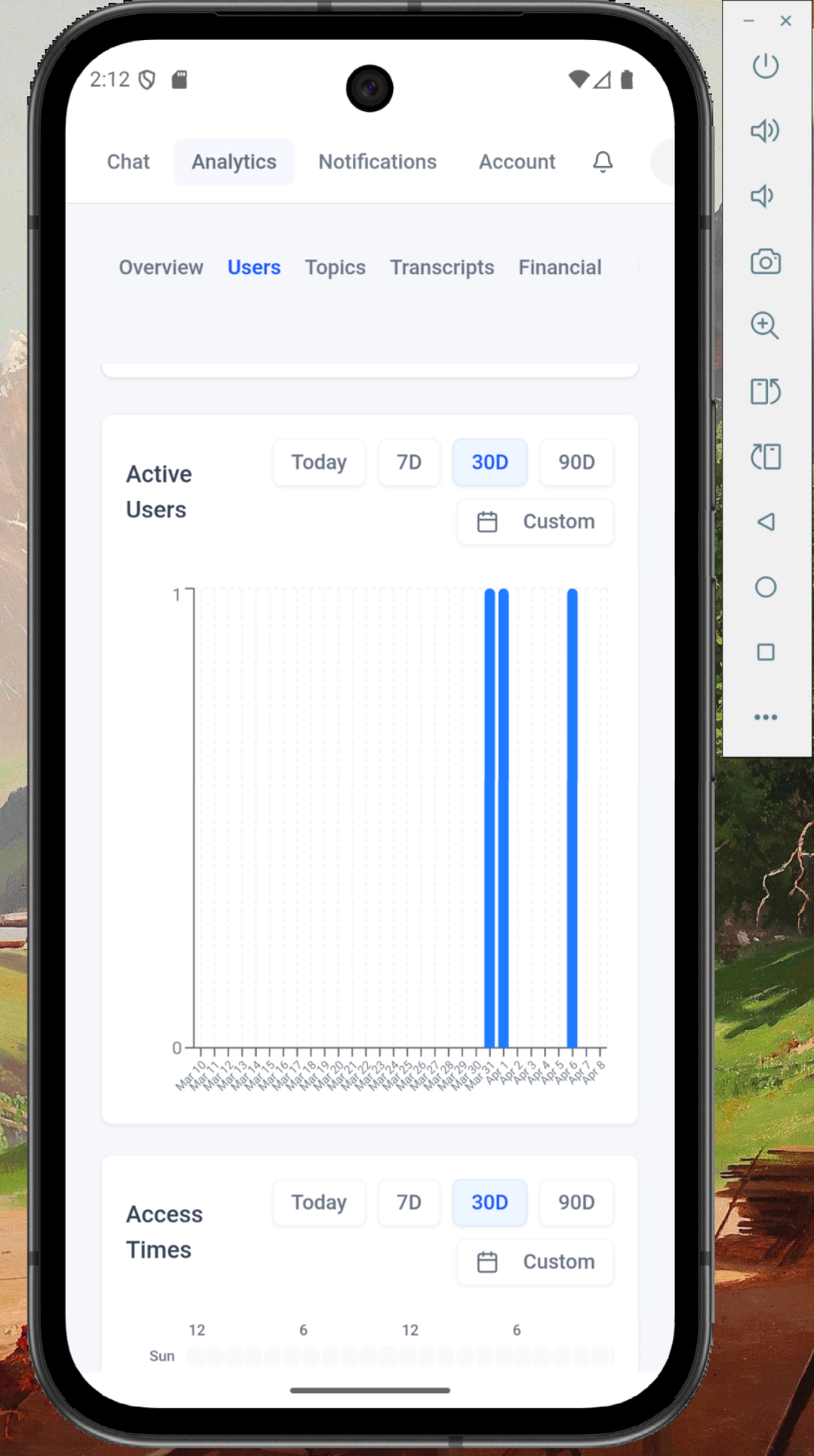
Build and run on Android emulators and real devices.
Android Prerequisites
- Android Studio with SDK and NDK installed
- Android SDK (API level 24+)
- Rust Android targets:
bash
rustup target add aarch64-linux-android armv7-linux-androideabi i686-linux-android x86_64-linux-android
Initialize Android Project
bash
iblai builds android initThis generates with the Gradle project.
src-tauri/gen/android/Run on Android Emulator
First, find available emulators:
bash
iblai builds deviceThen start the dev build:
bash
iblai builds android devOr:
bash
pnpm tauri:dev:androidRun on Physical Android Device
Connect your device via USB with USB debugging enabled, then:
bash
iblai builds android dev --deviceBuild Release APK
bash
iblai builds android buildOr:
bash
pnpm tauri:build:androidAndroid CI
bash
iblai builds ci-workflow --androidmacOS (Desktop)
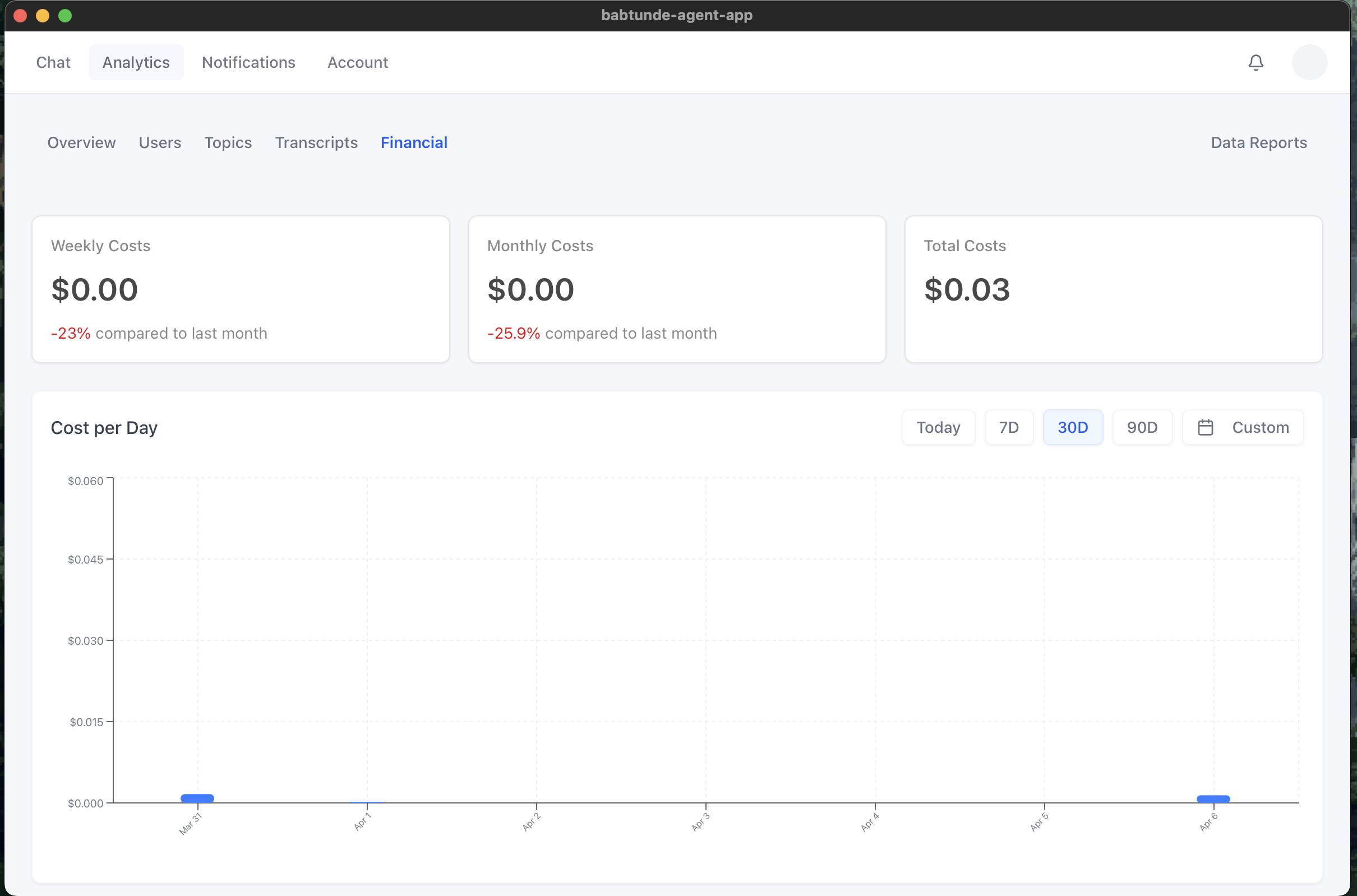
macOS Prerequisites
- Xcode Command Line Tools:
xcode-select --install
Run in Dev Mode
bash
iblai builds devOr:
bash
pnpm tauri:devBuild Release .dmg / .app
bash
iblai builds buildOr:
bash
pnpm tauri:buildmacOS CI
bash
iblai builds ci-workflow --macSurface
Build for Microsoft Surface tablets running Windows.
Surface Prerequisites
- Visual Studio Build Tools with C++ workload
- WebView2 runtime (included on Windows 11, downloadable for Windows 10)
Run in Dev Mode
bash
iblai builds devBuild Release .msi / .exe
bash
iblai builds buildThe installer targets are configured in under
(includes and by default).
src-tauri/tauri.conf.jsonbundle.targetsnsismsiSurface CI
bash
iblai builds ci-workflow --windowsLinux (Desktop)
Linux Prerequisites
- System dependencies (Debian/Ubuntu):
bash
sudo apt install libwebkit2gtk-4.1-dev build-essential libssl-dev libgtk-3-dev libayatana-appindicator3-dev librsvg2-dev
Run in Dev Mode
bash
iblai builds devBuild Release .deb / .AppImage
bash
iblai builds buildLinux CI
bash
iblai builds ci-workflow --linuxAll Platforms CI
Generate CI workflows for all platforms at once:
bash
iblai builds ci-workflow --allSummary of Commands
| Task | Command |
|---|---|
| Add Tauri support | |
| Generate app icons | |
| List available devices | |
| iOS | |
| Initialize iOS project | |
| Run on iOS Simulator | |
| Run on specific simulator | |
| Run on physical iPhone | |
| Build release .ipa | |
| iOS CI workflow | |
| Android | |
| Initialize Android project | |
| Run on Android emulator | |
| Run on physical Android | |
| Build release APK | |
| Android CI workflow | |
| Desktop | |
| Run desktop dev mode | |
| Build desktop release | |
| macOS CI workflow | |
| Surface CI workflow | |
| Linux CI workflow | |
| All CI workflows | |
Reference
- iblai-app-cli -- CLI source and templates
- -- full list of build commands
iblai builds --help